Web app · Delays and notices Add a delay nobody messaged about
For the owner and the contracts manager
View as Markdown You write this record yourself. Nothing goes to the AI, and nothing is sent.
- Select Delays.
- Select Add a delay.
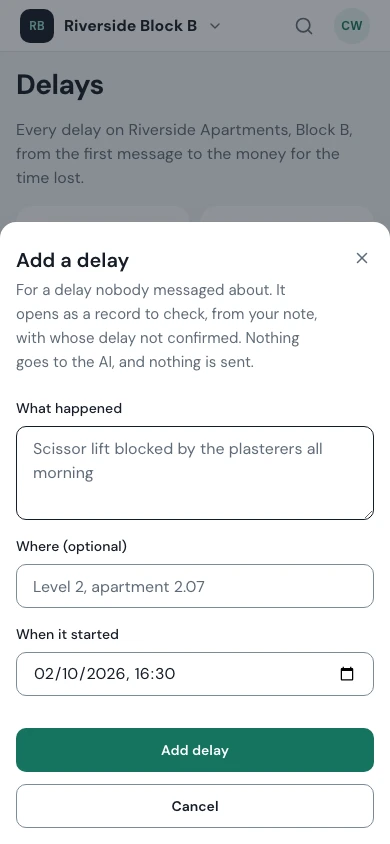 The form to add a delay.
Say what happened
- In What happened, say what happened. Say it as plain facts.
- In Where (optional), write the place, such as the level and the room.
- In When it started, pick the day and the time.
Add it
- Select Add delay.
The delay opens as a record to check. Whose delay is “Not confirmed”.
Check a delay record
NextSend a notice Checked against the app on 25 November 2026
