Web app · Jobs, people and the rate card Add people to a job
For the owner and the contracts manager
View as Markdown Only the owner or a contracts manager can change People or a job. docketplan shows each person's cards. The employer and the site decide who may work.
Add the person to People
Skip this part if the person is in People already.
- Select People.
- Select Add a person.
- In Name, type their name.
- Pick Internal for your own team. Pick External for the main contractor, other trades and suppliers.
- Fill in Mobile number, Email, Company and Role.
- Select Save.
To add many people at once, select Import contacts on People. docketplan reads the file itself. You check the people before it adds them.
Put the person on the job
- Select the job switcher at the top left. Select Job details.
- Select Edit job details.
- Scroll to Our people on it. Tick each person who works on the job.
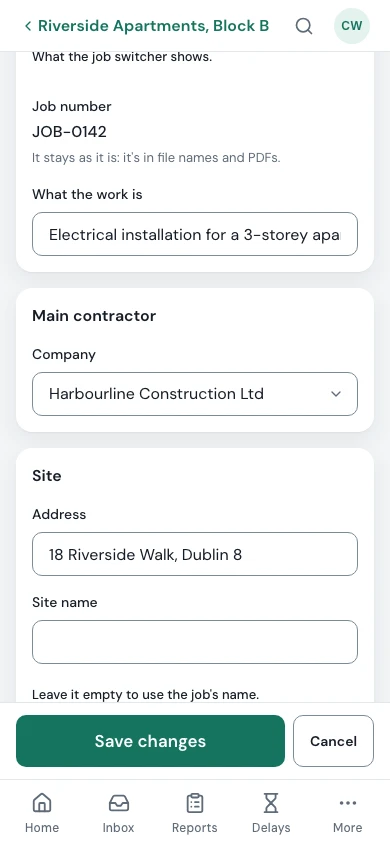 Our people on it, on Edit job details.
- Select Save changes.
The people are now on the job's team. Crew shows their cards and their check-ins.
NextImport a price list Checked against the app on 25 November 2026
