Web app · Payment applications Mark a payment application sent
For the owner and the contracts manager
View as Markdown docketplan sends nothing. You print or copy the application and send it yourself. Then you record that you sent it.
Get the application ready to send
- Open a payment application that you approved. It says “Approved, not sent”.
- To see the document, select See the A4 page.
- To use it, select Print, or select Copy text and paste it into your own email.
- Send it from your own email, or by hand.
Record that you sent it
A sent application never changes. Mark it sent only after you sent it.
- Select Mark as sent.
- In Who it went to, pick the person.
- In How, pick By email, By hand or Through their document system.
- Select Mark as sent.
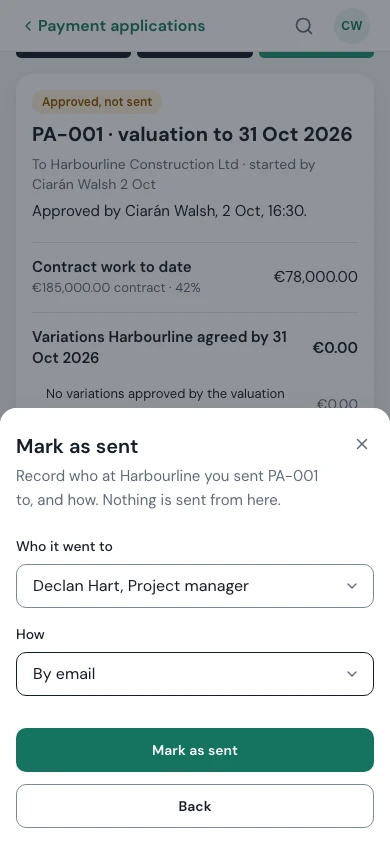 The window to mark an application sent.
The variations in it now say “Applied for in PA-001”. Their answers cannot change.
NextSet a job's retention Checked against the app on 25 November 2026
